How to make a shadow lamp from any picture
A shadow lamp is a small printed box with an LED inside. Cut wall panels block the light, and your picture shows up as a big silhouette on the wall. It's the trick behind the anime, superhero and Halloween shadow lamps people sell online, and you can make one yourself. Design takes about ten minutes, plus the print.
Shadow lamp vs lithophane
Want the full comparison? Read shadow lamp vs lithophane: which should you 3D print.
People mix these two up. A lithophane is a thin plastic plate that glows to show a photo when you light it from behind. A shadow lamp (also called a shadow box lamp or wall shadow lamp) doesn't show the picture on the plastic at all. Light passes through gaps in the walls and throws the shape onto your wall, so you need a clean outline, not a photo with shading.
What you need
- A 3D printer and opaque PLA or PETG filament. Dark colours block light best
- A warm white LED on a small tube, or a battery LED tealight
- A bold, high-contrast silhouette of your own: PNG, JPG, WEBP or SVG
- The free Shadow Box Lamp Generator
Step 1: Pick a silhouette that works
Thick limbs, a clear pose and lots of empty space around the figure win. Thin lines and tiny floating details fall apart, so skip them. People often search for anime heroes like Goku, Naruto, Luffy and Zoro, Spider-Man and Batman, Pokémon like Eevee, and Halloween shapes like skeletons, witches and bats.
Use artwork you drew yourself or have the right to use, and keep character lamps for your own use. A single-colour black shape on white converts best.
Step 2: Upload it and check the wall preview
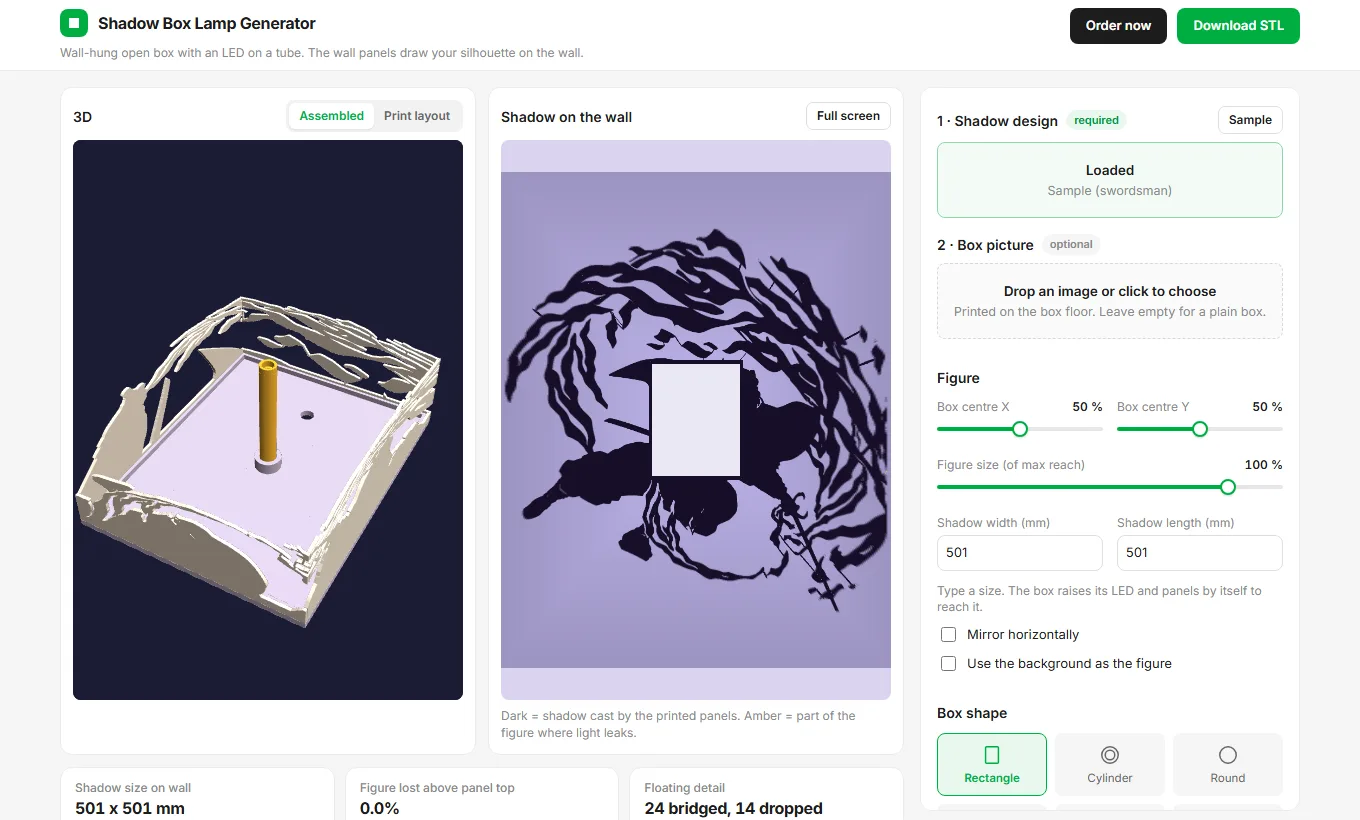
Open the tool and drop in your image. It turns the picture into an SVG and shows you the result. Then the wall preview draws the exact shadow your printed panels will cast.
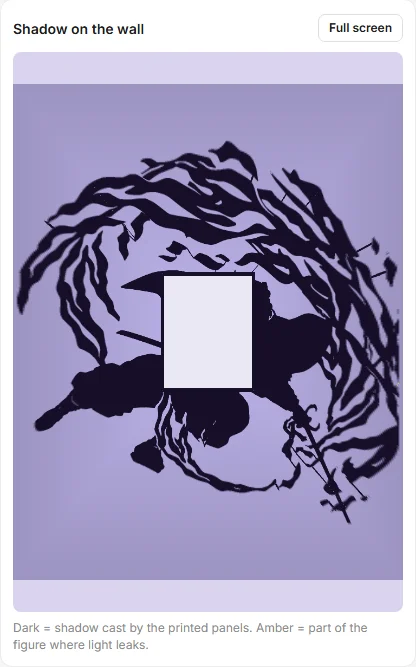
If you see amber leak areas, shrink the figure or move the box until they disappear. Don't worry about floating pieces. The tool bridges them with thin struts so each panel prints as one part.
Step 3: Choose the box shape and size
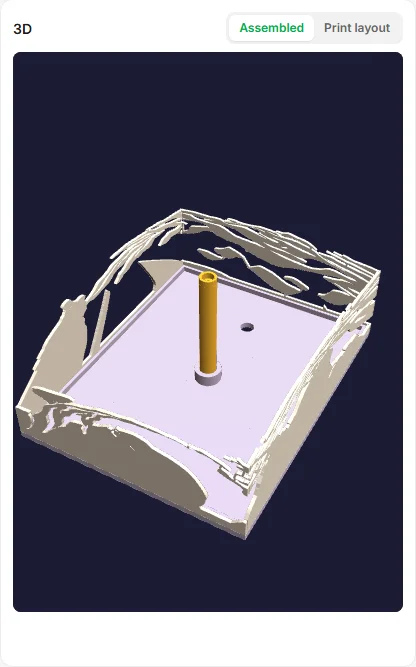
Pick rectangle, round, hexagon, octagon, triangle or diamond. Set the shadow width in millimetres. The tool raises the LED and panels itself to reach the size you type. You can spin the assembled box in the 3D view.
Step 4: Download the STL
- All in one: the whole box as a single print, so you've got nothing to assemble.
- Separate parts: floor, tube and every wall as its own STL in a ZIP. You'll get the best surface quality this way.
- Customize: pick only the parts you need, like one wall you want to reprint.
Step 5: Print settings that work
- Layer height 0.2 mm, infill 15 to 20 percent
- Opaque PLA or PETG in a dark colour, so light can't leak through your walls
- Tree supports for any floating parts, and print the walls flat if you chose separate parts
- A warm white LED gives you the softest shadow edge
Step 6: Add the LED safely
Use a low-power LED only: a warm white LED on the tube or a small LED tealight. Never use incandescent or halogen bulbs or a real flame. The heat can warp the plastic, and it's a fire risk. Mount the box on the wall at about the height where you want the shadow centred, then dim the room lights.
All the options in the generator
Here's everything the free tool lets you control, so you know what you're getting before you start.
- Image types: Photo, PNG, JPG, WEBP or SVG. Auto threshold, remove specks, invert and transparent-background cut-out.
- Box shapes: Rectangle, cylinder, round, hexagon, octagon, triangle and diamond.
- Figure controls: Box centre X and Y, figure size, shadow width and length in mm, mirror and background-as-figure.
- Box size: Inner width and height, floor and panel thickness, panel max height, LED height, strut width.
- Box picture: Optional second image on the floor: black silhouette or a plate with the image cut out.
- Resolution: Draft 0.3 mm, Good 0.2 mm, Fine 0.15 mm or Ultra 0.1 mm.
- Materials: Weight and cost estimate for PLA, PETG, ABS, ASA or TPU.
- Live previews: 3D assembled view, flat print layout and a wall shadow preview with light-leak warning.
- STL download: All in one fused print, separate parts in a ZIP, or custom parts only.
- Order a printed lamp: Don't own a printer? Download the order ZIP and send it to us on WhatsApp. We'll print and make the lamp for you.
Prefer not to print it yourself? Hit the Order now button in the tool. It builds an order ZIP with every STL and your design, then opens WhatsApp so you can send it to us. You'll see an estimated price first.
Shadow lamp samples
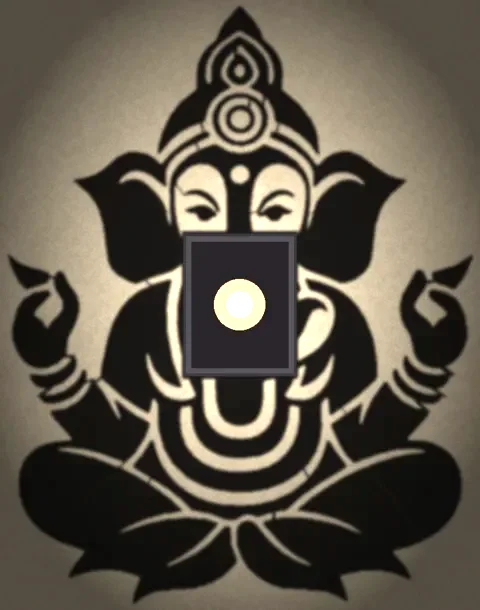
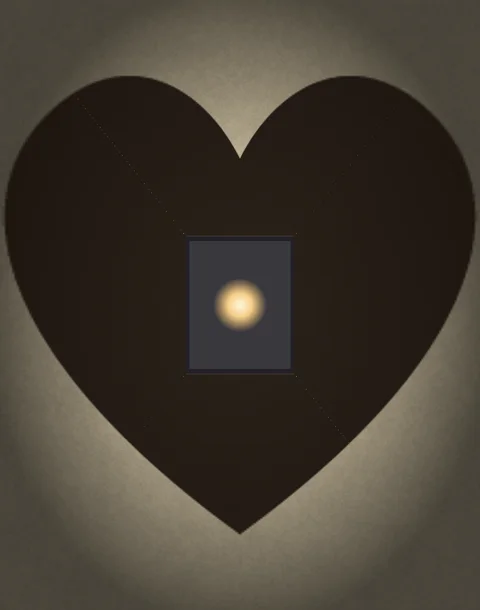
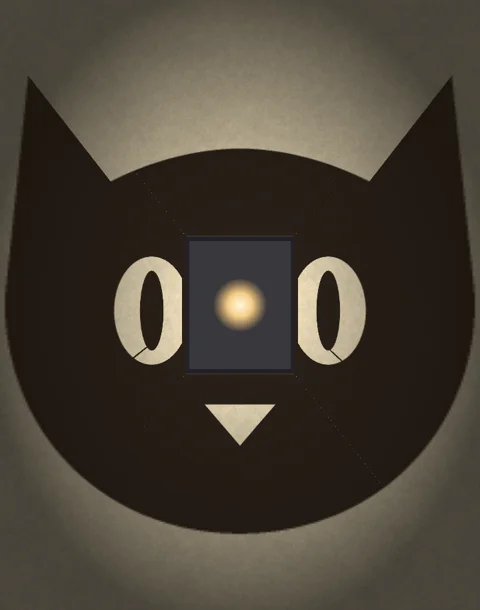
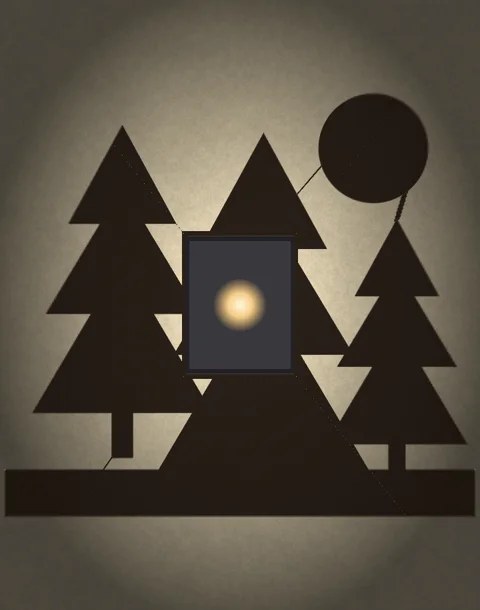
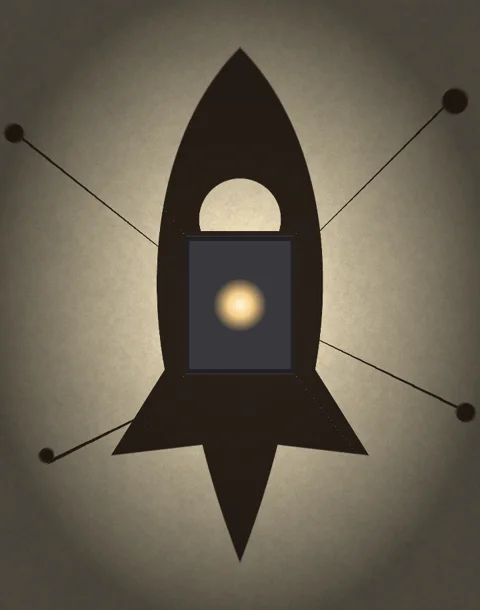
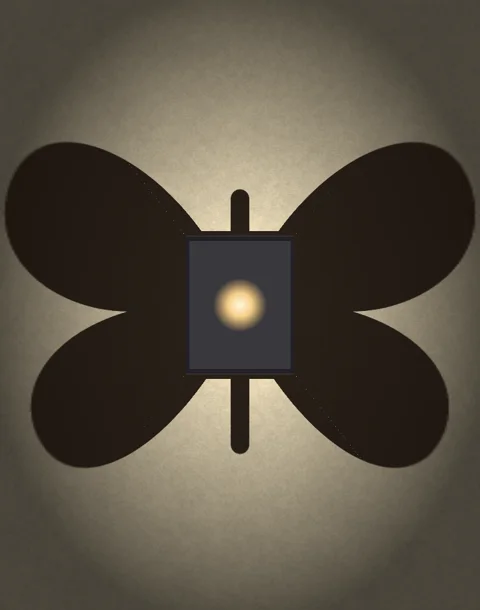
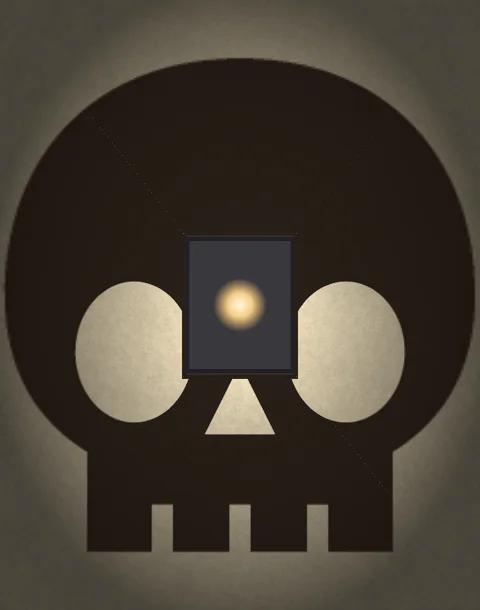
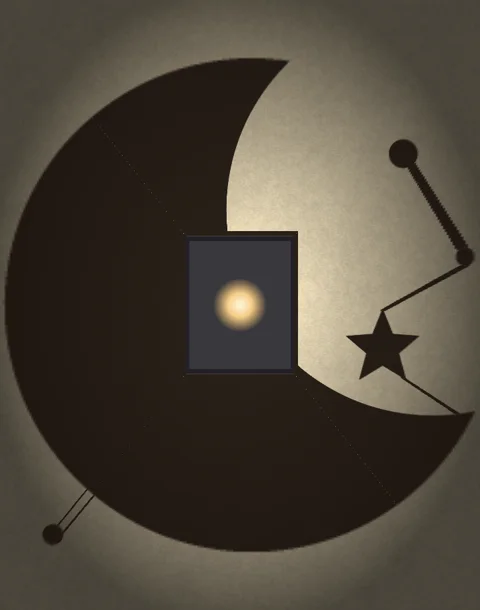
These are real wall previews from the generator, so you can see what a finished shadow lamp throws on your wall. The light box in the middle of each picture is the lamp itself. Swap in your own artwork and you'll get the same kind of preview before you print.
Shadow lamp ideas by theme
- Anime and gaming: hero poses, swords, logos and mascots. Pick one bold pose and drop the background.
- Superheroes and movies: masks, capes and city skylines read really well as silhouettes.
- Pets and family: a cat or dog profile is the gift people ask for most.
- Names and quotes: a short word in a thick, rounded font makes a classic bedroom lamp for you or a friend.
- Nature and travel: mountains, pine trees, the moon and waves suit a calm night light.
- Kids rooms: rockets, dinosaurs, unicorns and stars.
- Halloween and seasons: skulls, bats, witches, snowflakes and pumpkins.
- Wedding and anniversary: a couple silhouette, hearts and initials.
Design tips for a clean shadow
- Stick to one solid shape. Hollow outlines and thin hairlines turn into floating bits.
- Keep gaps at least 2 to 3 mm wide in your final print, so the light gets through and the plastic holds up.
- Mirror the image if your text looks backwards in the wall preview.
- If your figure is the light part of the picture, tick use the background as the figure or invert the image.
- Want a bigger shadow? Type a larger width in millimetres. Don't fiddle with the LED by hand.
- Save the higher resolution for your final export. Draft quality is plenty while you're experimenting.
Assembly and mounting
- Print the floor, tube and walls. Panels print flat with the stencil face up.
- Stand the walls around the floor rim and glue the corners. You'll notice the top and bottom panels are the long ones.
- Put a warm white LED in the socket at the top of the tube, then run the wire down through the floor.
- Hang the box from the hole near the top, with the open side facing your wall.
- Switch off the room lights and move the box closer or further from the wall until you're happy with how sharp the shadow is.
Troubleshooting
- Light leaks around the edges: print your walls in darker or thicker plastic and add a second wall layer.
- Shadow looks blurry: use a smaller LED and move your lamp closer to the wall.
- Parts of the picture are missing: check the preview first. Then raise the panel height or shrink the figure.
- Thin parts break: raise the strut width in your settings.
Frequently asked questions
How do I make a shadow lamp?
Pick a bold, high-contrast silhouette and upload it to a shadow lamp generator. Check the wall preview, download the STL, print the walls in opaque filament and add a warm LED on the tube. That's it.
What is the difference between a shadow lamp and a lithophane?
A lithophane glows through thin plastic to show a photo. A shadow lamp doesn't. It blocks light with cut panels and projects a big silhouette on your wall.
What filament should I use for a shadow lamp?
Opaque PLA or PETG, ideally dark, so no light leaks through the walls. I'd use 0.2 mm layers and 15 to 20 percent infill.
Can I make a Goku, Spider-Man or other anime shadow lamp?
Yes. Any bold single-colour silhouette works. Just use artwork you've got the right to use, and keep it for your own projects.
Which LED is safe for a 3D printed shadow lamp?
A low-power LED only, such as a warm white LED or a small LED tealight. Never use incandescent or halogen bulbs or a real flame, since the heat can warp the plastic.
Is the shadow lamp generator free?
Yes. Designing, previewing and downloading your STL files is free, and there's no sign-up and no watermark.
Can you print the shadow lamp for me?
Yes. Use Order now in the tool and send us the order ZIP on WhatsApp. We'll print and make the lamp for you.
Try it now
Open the free Shadow Box Lamp Generator. The sample swordsman loads on its own, so you can see the preview before you upload anything. Learn more on the Shadow Box Lamp page, or browse all free tools. If you're into small hardware projects, try the OLED name badge or the SSD1306 tutorial next.
Topics: how to make a shadow lamp · wall shadow lamp · shadow box lamp STL · anime shadow lamp · Goku shadow lamp · Spider-Man shadow lamp · shadow lamp vs lithophane · 3D printed shadow lamp · shadow lamp print settings