Arduino Uno OLED Animation Memory Limits — How Many Frames Fit?
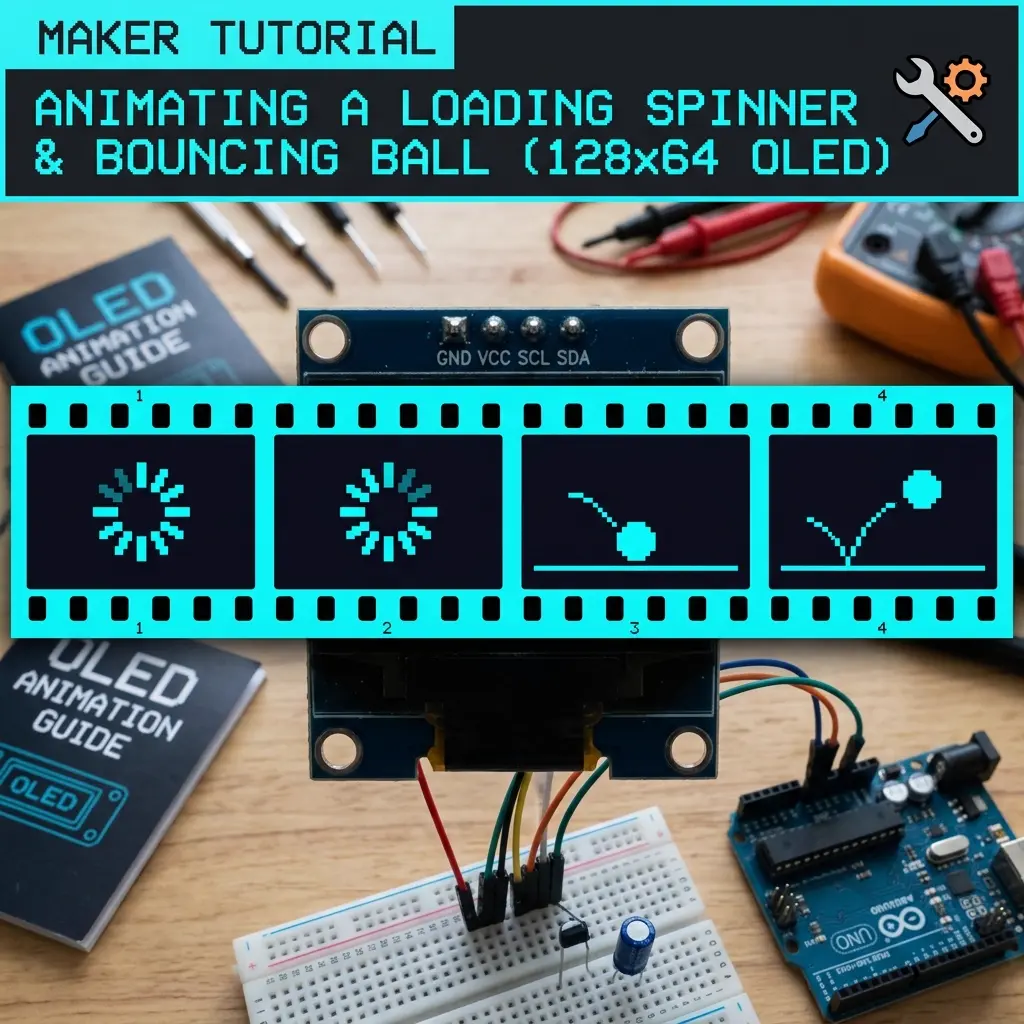
Every workshop I run, someone hits the same wall: the animation looks fine in the browser, the sketch compiles… then the Arduino IDE says the sketch is too big. Or worse — it uploads, then the board resets in a loop because RAM ran out.
This post is the math I write on the whiteboard. No marketing fluff. Just how many 128×64 OLED frames you can actually store on an Arduino Uno, and what to do when you need more.
The hard numbers (Uno)
- Flash: 32 KB total. Bootloader usually keeps ~0.5 KB. You get roughly 31.5 KB for code + data.
- SRAM: 2 KB. The Adafruit SSD1306 buffer alone uses 1024 bytes for 128×64.
- One full-frame bitmap: 128 × 64 ÷ 8 = 1024 bytes (1 KB).
So each full-screen frame costs about 1 KB of flash if you store it in PROGMEM. Leave that array in regular RAM and you are already nearly out of SRAM before your own variables start.
How many frames fit in practice?
Your sketch is not only bitmaps. Adafruit GFX + SSD1306 + Wire + your loop() easily eat
10–14 KB of flash on a typical animation sketch. That leaves roughly
16–20 KB for frames.
| Frame size | Bytes / frame | Realistic max on Uno* |
|---|---|---|
| 128×64 full screen | 1024 | ~12–18 frames |
| 64×64 sprite | 512 | ~24–36 frames |
| 32×32 icon | 128 | ~80–120 frames |
| 128×32 banner | 512 | ~24–36 frames |
*After libraries. Always check the IDE compile bar — “Sketch uses X bytes” is the truth, not a blog estimate.
Store frames in PROGMEM (required)
If you forget PROGMEM, the compiler may put the array in SRAM. On Uno that often means
instant crash or weird resets. Pattern that works:
#include <avr/pgmspace.h>
#include <Adafruit_GFX.h>
#include <Adafruit_SSD1306.h>

#define SCREEN_WIDTH 128
#define SCREEN_HEIGHT 64

Adafruit_SSD1306 display(SCREEN_WIDTH, SCREEN_HEIGHT, &Wire, -1);

// 1 KB frame — lives in flash, not the 2 KB SRAM
const uint8_t frame0[] PROGMEM = {
  // 1024 bytes from your converter…
  0x00, 0x00 /* … */
};

const uint8_t* const frames[] PROGMEM = { frame0 /*, frame1, … */ };
const uint8_t FRAME_COUNT = 1;

void setup() {
  display.begin(SSD1306_SWITCHCAPVCC, 0x3C);
}

void loop() {
  static uint8_t i = 0;
  display.clearDisplay();
  // pgm_read_word because frames[] itself is in PROGMEM on AVR
  const uint8_t* f = (const uint8_t*)pgm_read_word(&frames[i]);
  display.drawBitmap(0, 0, f, 128, 64, SSD1306_WHITE);
  display.display();
  i = (i + 1) % FRAME_COUNT;
  delay(80);
}
On ESP32 / SAMD you often do not need the pgm_read_word dance the same way — but on Uno you do.
If the image looks like garbage, check that first.
What actually ate my flash in class projects
- Too many full-screen frames. A 24-frame walk cycle at 128×64 is ~24 KB of bitmaps alone. Uno cannot take that plus libraries.
- Serial debug left on. Extra strings and
Serial.printadd up. Fine for debugging; strip them for the final upload. - Unused library features. Pulling in huge font sets or multiple display drivers wastes space.
- Duplicating similar frames. Blink animations often only need 2–4 frames. Exporting 20 “almost the same” frames is the #1 student mistake.
Tricks that actually help on Uno
1. Smaller sprites, not full-screen every frame
Draw a static background with GFX (drawRect, text), and only animate a 32×32 or 48×48 sprite.
Memory drops fast. The free tool’s shape export is useful here because vector-style GFX code is tiny
compared with bitmaps.
2. Shorter loops
A 6-frame loop at 10 FPS looks smoother than a 20-frame loop you cannot fit. Cut frames that do not change much.
3. 128×32 displays
Half the pixels → half the bytes per frame. If the project only needs a status strip, buy 128×32 and suddenly you have room again.
4. Move up when you outgrow Uno
Nano Every, Mega, and especially ESP32 change the game. ESP32 flash is measured in megabytes. If your animation needs 40+ full frames, stop fighting the Uno — change the board.
How I check before uploading
- Export animation → look at frame count × 1024.
- Add ~12 KB for a typical Adafruit sketch.
- If total > ~28 KB, cut frames or shrink sprites before pasting into the IDE.
- After compile, read “Global variables use X bytes of dynamic memory.” If SRAM > ~1500 bytes used, you are in the danger zone on Uno.
Quick FAQ
Why does the IDE say the sketch fits but the board resets?
Flash was OK; SRAM was not. Usually the bitmap was not in PROGMEM, or you created a second full display buffer somehow.
Can I stream frames from an SD card?
Yes, but SD + file parsing on Uno is slow and fiddly for beginners. For class projects I still prefer fewer PROGMEM frames or an ESP32.
Does MicroPython on Pico have the same limit?
No — Pico has far more RAM/flash. Different platform, different budget. This article is specifically about classic AVR Uno/Nano.
Long clips that will never fit: 150 to 200 frames
The table above is the workshop range: a dozen or so full 128×64 frames on an Uno after Adafruit is linked. The song and festival sketches on this site sit far outside that range. They are useful as a ruler, because the frame counts are real and the byte math is the same 1024 bytes per picture.
| Loop | Frames | Bitmap flash | Stock delay | Uno? |
|---|---|---|---|---|
| Khayalon Ki Duniya | 124 | ~124 KB | 67 ms (~15 fps) | No |
| Kalayani | 148 | ~148 KB | 318 ms (~3 fps) | No |
| Ganesha Day 7 | 150 | ~150 KB | 67 ms (~15 fps) | No |
| Nazarome Chupale | 150 | ~150 KB | 147 ms (~6.8 fps) | No |
| Thangamaana | 200 | ~200 KB | 149 ms (~6.7 fps) | No |
Slowing the delay does not move a row into the Uno column. A 318 ms Kalayani step and
a 67 ms Ganesha step cost the same flash. Timing lives in one integer in
loop(). The bitmaps live in PROGMEM arrays whether you show
them quickly or not. If the IDE says the sketch is too big, open the frame list, not
the delay.
Those loops are also why “it compiled on my ESP” is not a mystery. An ESP32, or an ESP8266 module set to 4MB flash, has room for a 200 KB table plus GFX. A classic Uno does not. A classic Nano is the same ATmega328P and the same 32 KB. Nano Every and Nano ESP32 are different products. Read the silk and the board menu before you apply this article’s ceiling to them.
What the video importer does to that budget
The video-to-OLED path samples a clip at about 15 frames per second and stops at 200 frames. That ceiling is about 200 KB of 128×64 bitmaps, the same size as the Thangamaana sketch. A four-second clip lands near 60 frames (about 60 KB). An eight-second clip lands near 120 frames (about 120 KB). Both are normal ESP exports and impossible Uno exports once libraries take 10–14 KB.
If the only board in the room is an Uno, set the video frame count down into the low teens before you click Get the Code. Sixty frames will not “mostly fit.” The linker is binary about this: the sketch fits, or it does not. Sync to video changes playback speed so the samples last as long as the clip. It does not compress the arrays. Unchecking it and running at 15 fps changes the delay, not the flash use.
Dithering and threshold change which bits inside the 1024 bytes are 1 or 0. They do not change the length of the array. A speckled frame and a stark frame are the same size. Students sometimes re-export “to make it smaller” by sliding threshold. The compile bar will not move.
ESP32 and a 4MB ESP8266, in practical terms
Move boards when the bitmap total crosses what is left of the Uno’s 32 KB, not when you have already deleted half the art. A comfortable rule: if frame count × 1024 is over about 16 KB, stop and pick an ESP, or cut the loop on purpose.
- ESP32: SDA on GPIO21, SCL on GPIO22, OLED VCC on 3.3V, address usually 0x3C. Flash is measured in megabytes on the common modules. A 200-frame loop is a small file there. You still draw through a 1024-byte SRAM buffer. You do not need to keep all 200 frames in RAM.
- ESP8266 NodeMCU: SDA on D2 (GPIO4), SCL on D1 (GPIO5), VCC on 3.3V. In Tools, set Flash Size to the 4MB option that leaves a large sketch area. A 1MB setting with a big filesystem can reject a 150 KB table even though the chip is a NodeMCU. A 512 KB profile will not hold any of the loops in the table.
- Uno / Nano: SDA A4, SCL A5, 5V acceptable on modules with a regulator, address 0x3C. Budget about 12–18 full frames after libraries, fewer if you also pull in sensors or a second display buffer.
Mega 2560 is the AVR exception for some of the mid-size loops: 256 KB of flash can hold a 148 KB Kalayani table if you are careful with libraries, and the I2C pins are 20 and 21, not A4 and A5. A 200 KB Thangamaana table plus the core is tight on Mega. I still point that one at ESP32 or a 4MB ESP8266. SRAM on Mega is 8 KB, so the single 1024-byte OLED buffer is comfortable. The wall you hit first on Mega is flash, and only for the longest clips.
How to read the IDE after a song sketch fails
Compile, then look at two sentences.
- “Sketch uses N bytes (P%) of program storage space.” Program storage is flash. On Uno the maximum is about 32256 bytes. If N is missing because the link failed, the error text (“text section exceeds available space,” “region `iram` overflowed,” or a plain “sketch too big”) is the flash wall. A 150 KB loop on Uno fails here every time.
- “Global variables use N bytes (P%) of dynamic memory.” Dynamic memory is SRAM, 2048 bytes on Uno. This line can look fine on a PROGMEM sketch that is still too big for flash, and it can look terrible on a sketch that fits in flash but copied a bitmap into RAM. Both lines matter. They measure different pools.
A sketch that uploads and then resets is usually the SRAM line, not the flash line.
The bootloader can flash a binary that then runs out of stack the first time
display.begin() builds the buffer. Classic cause on Uno: the frame array
was missing PROGMEM, so 1024 bytes landed in SRAM beside the library’s
own 1024-byte buffer. Two buffers and the stack collide. The panel may flash once.
Then the board boots again. Adding PROGMEM and, on AVR, reading a
pointer table with pgm_read_word stops that loop. ESP32 is less picky
about the pointer read because flash is mapped in the address space, which is why the
same source can look “randomly broken” only on the Uno.
Board mismatch hides inside these messages. If Tools says Arduino Uno while a NodeMCU is plugged in, you are compiling against 32 KB and you will see a flash error for a file that would have linked for the ESP8266. If Tools says ESP32 while an Uno is plugged in, the upload fails or the board sits there with a stale sketch. Match the menu to the chip, set the ESP8266 flash size, then compile again. The new percentages are the ones to trust.
A loop that still fits, and how to time it
For Uno I export a handful of full frames, or a small sprite, and I keep the player boring. Eight frames at 80 ms is a 0.64 second cycle and about 8 KB of bitmaps. That leaves room for the library. This is the shape, with the AVR pointer read included so the picture is not static noise:
const uint8_t* const frames[] PROGMEM = { frame0, frame1, frame2, frame3 };
const uint8_t FRAME_COUNT = 4;

void loop() {
  static uint8_t i = 0;
  static unsigned long lastMs = 0;
  if (millis() - lastMs >= 80) {
    lastMs = millis();
    display.clearDisplay();
    const uint8_t* f = (const uint8_t*)pgm_read_word(&frames[i]);
    display.drawBitmap(0, 0, f, 128, 64, SSD1306_WHITE);
    display.display();
    i = (i + 1) % FRAME_COUNT;
  }
}
Change 80 if you want a slower blink. Do not raise FRAME_COUNT without
adding a real array. On ESP32 you can drop the pgm_read_word line and
index the table directly if your export does that. On Uno, leaving the
PROGMEM table and then using frames[i] as a normal pointer
is the bug that makes every frame look like snow while flash usage still looks correct.
uint8_t is enough for the index up to 200, so the type is not why long
clips fail. The bytes are why. If you need the long clip, change the board. If you
need the Uno, change the art: fewer frames, a 32×32 sprite (128 bytes each, so a
hundred icons can fit), or GFX calls for anything that is a rectangle, a letter, or
an eye. A drawn eye is tens of bytes of instructions. A bitmap of that eye is a
full kilobyte every time the pupil moves.
Dual panels spend the SRAM twice
A second SSD1306 on the same bus needs its own object and its own 1024-byte buffer. Two buffers are the entire Uno SRAM before your frames. You can still share one PROGMEM clip across both objects — flash cost once, SRAM cost twice — but you cannot put two 128×64 buffers and a RAM bitmap on an Uno. If a dual-screen export resets, move to ESP32 (SDA GPIO21, SCL GPIO22, both panels on 3.3V, addresses 0x3C and 0x3D) or drop to 128×32 panels. The flash math for the frames does not care that two panels are attached. A 200-frame dual export of two different clips is about 400 KB of bitmaps. That is an ESP32 file, not an Uno file and not a reason to split the bus.
A check I run before anyone plugs the cable in
- Frame count × 1024. Write the kilobytes on the sketch comment.
- Add about 12 KB for a normal Adafruit SSD1306 sketch. Add more if a second display object is in the file (that extra is mostly SRAM, but the second driver still costs flash).
- If the flash guess is over ~28 KB, the board is not an Uno. Pick ESP32 or a 4MB ESP8266, or delete frames in the maker and export again.
- After compile, confirm program storage and dynamic memory as two separate numbers. Fix PROGMEM if SRAM is the one in trouble. Change the board if flash is the one in trouble.
- Only then pick the port and upload. A black panel after a clean compile is wiring or address (A4/A5 on Uno, 0x3C, or 0x3D if begin fails). It is not the frame budget. The frame budget already had its chance to fail the link.
Related
- SSD1306 animation playback
- ESP32 OLED guide (when Uno is too small)
- GIF to OLED — then trim frames
Preview frame count before you hit Uno limits
Build the animation in the browser, keep an eye on frame count, export Adafruit code.
Open the free tool →